How to use Bing Webmaster's AI performance tool? (February 2026)
 Guilherme HortinhaCo-Founder of Lua Rank & AI Visibility Strategist
Learn bing ai performance how to use in 3 simple steps. Access Bing Webmaster AI tools, analyze performance metrics, and optimize content for better search visibility in 2026.
Using Bing's AI performance tool is straightforward and can be completed in just three main steps. You'll need your Microsoft account credentials and website access, with the entire setup taking approximately 15-30 minutes. Most business owners can handle this independently without professional assistance.
This guide walks you through signing up for Bing Webmaster Tools, accessing the AI performance dashboard, and optimizing your content based on AI-driven insights. By the end, you'll understand how to leverage Microsoft AI performance data to boost your search visibility and track your progress effectively.
1. Sign Up and Access Bing Webmaster Tools
Getting started with Bing webmaster AI performance begins with creating your account and verifying your website. The process is more streamlined in 2026 compared to earlier versions, with enhanced security features and simplified verification methods.
Creating Your Account
Navigate to the Bing Webmaster Tools portal using your preferred browser. You'll need a valid Microsoft account - either personal or business accounts work perfectly. If you don't have one, creating a new Microsoft account takes just a few minutes and requires basic information like your email address and phone number for verification.
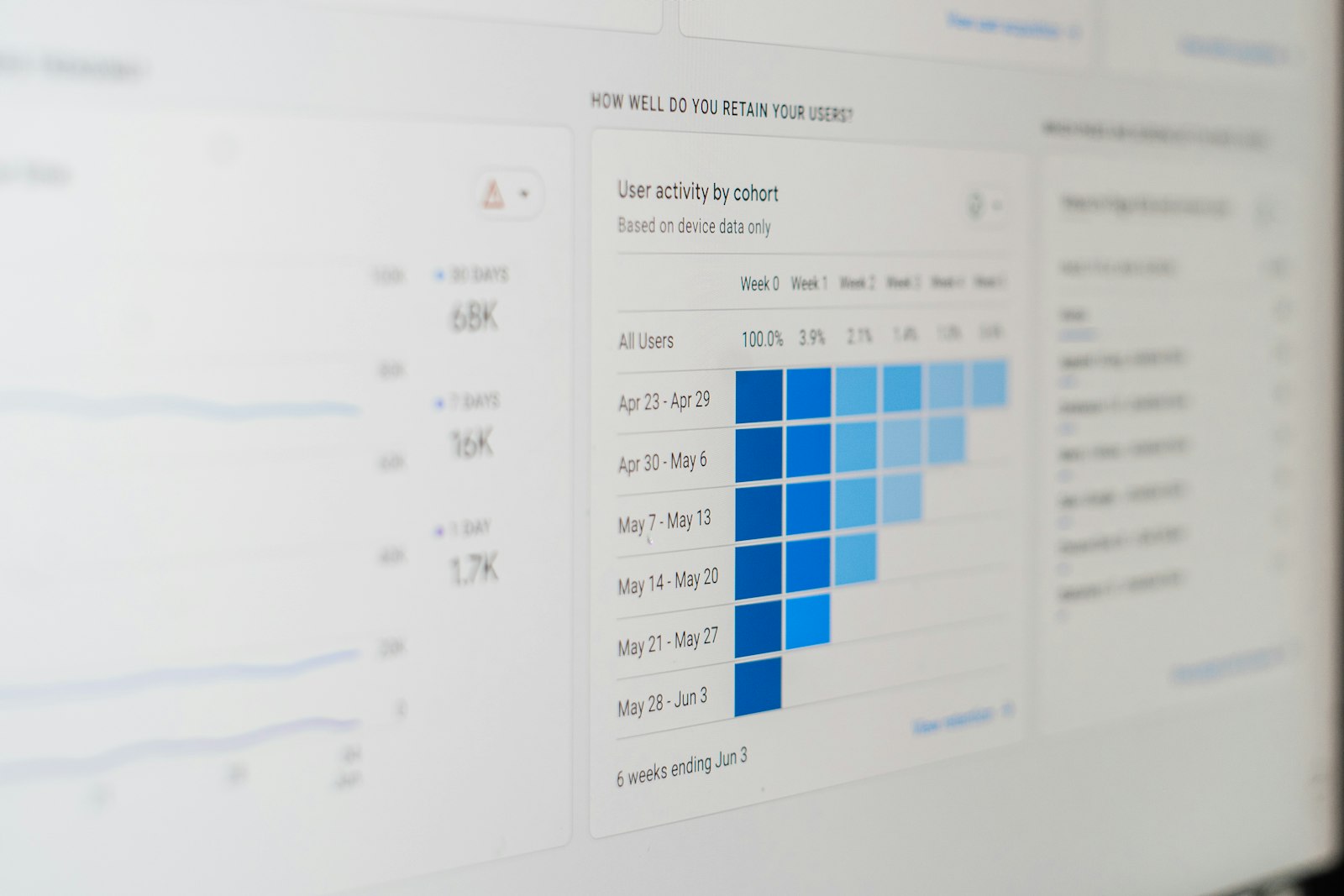
Learn bing ai performance how to use by analyzing key metrics and performance data for optimal search engine optimization results.
Website Verification Methods
Once logged in, you'll add your website through several verification options. The XML file upload remains the most reliable method, though DNS verification and HTML meta tag options provide flexibility for different technical setups.
XML file verification: Download the provided XML file and upload it to your website's root directory
DNS verification: Add a CNAME record to your domain's DNS settings
HTML meta tag: Insert the provided meta tag into your homepage's head section
We typically recommend the XML file method for its reliability and ease of implementation. Most website owners can complete this step within 10 minutes, regardless of their technical background.
2. Navigate to the AI Performance Dashboard
After verification, accessing your AI search visibility metrics becomes your next priority. The 2026 interface features an intuitive design that consolidates AI-specific performance data into digestible sections.
Understanding the Dashboard Layout
The AI performance section appears in the left navigation menu under "Search Performance." This dedicated area houses all AI-related metrics, including how your content performs in AI-powered search results and conversational queries. The dashboard displays real-time data with historical comparisons dating back 16 months.
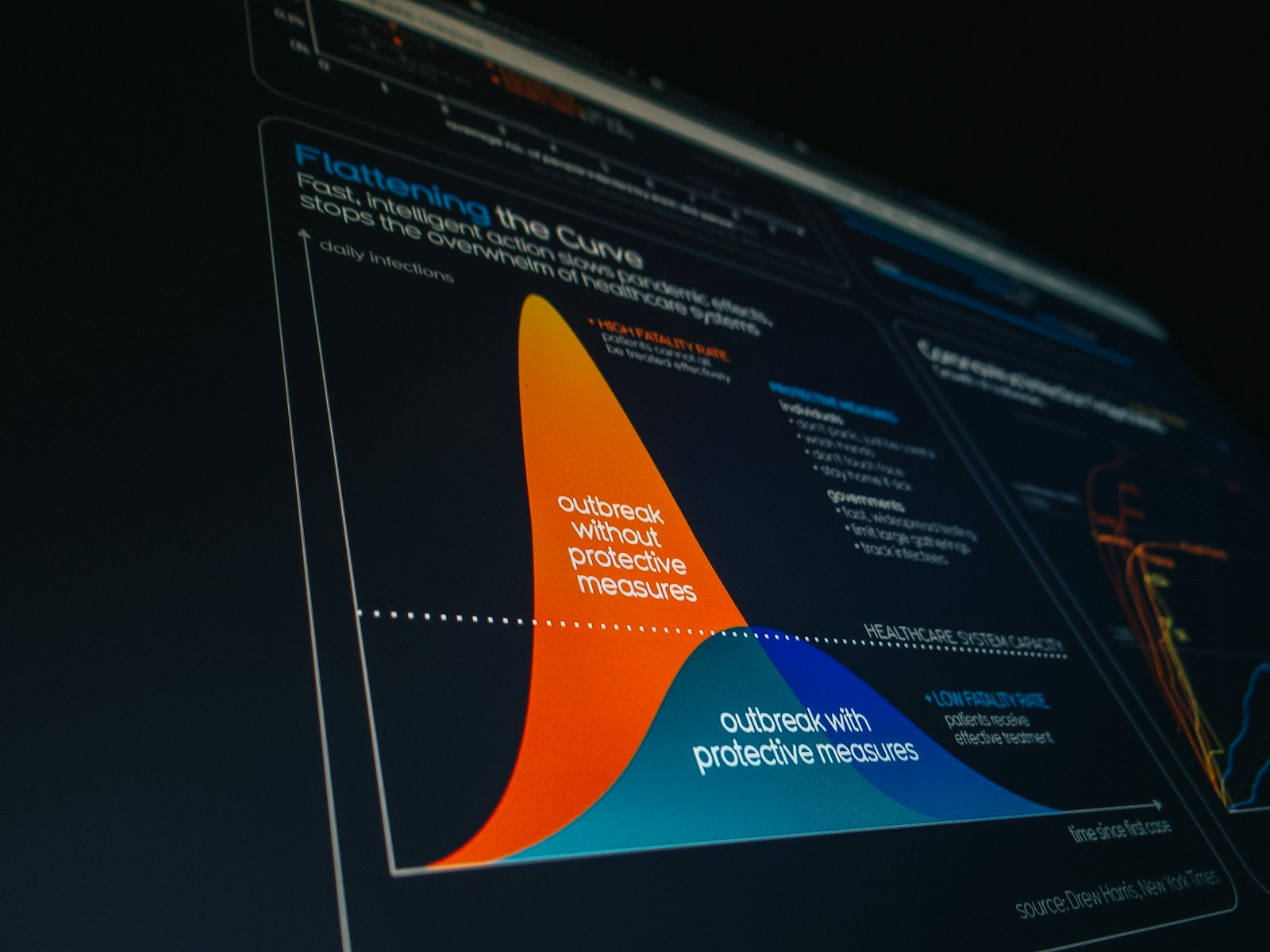
Understanding how to use bing ai performance requires mastering workflow optimization and data-driven performance improvement strategies for content visibility.
Key AI Performance Metrics
The dashboard presents several crucial metrics that weren't available in traditional search analytics. Microsoft AI visibility scores show how often your content appears in AI-generated responses, while conversation engagement rates indicate user interaction levels with AI-cited content.
Metric | Description | Optimal Range |
|---|---|---|
AI Citation Rate | Frequency of content citations in AI responses | 15-25% |
Conversational Impressions | Times content appears in chat-based queries | Varies by industry |
AI Relevance Score | Content quality rating for AI consumption | 80-100 |
According to industry experts, "AI performance metrics represent the future of search optimization, moving beyond traditional click-through rates to measure genuine content utility and user satisfaction." This shift reflects how search engines increasingly prioritize content that provides comprehensive, accurate answers.
Filtering and Customization Options
The enhanced filtering system allows granular analysis by device type, geographic location, and query intent. You can segment data to understand how your content performs across different AI interaction contexts, from quick factual queries to complex research requests.
3. Optimize Content Based on AI Insights
Transforming Bing AI performance data into actionable content improvements requires understanding how AI systems evaluate and present information. The optimization process focuses on content structure, factual accuracy, and comprehensive coverage of topics.
Content Structure Optimization
AI systems favor content with clear hierarchical structure and definitive answers. Your pages should include concise summaries, detailed explanations, and supporting evidence. The February 2026 algorithm update particularly rewards content that directly answers questions while providing context and related information.
Consider restructuring existing content to include:
Clear topic introductions with direct answer statements
Numbered steps or bullet points for procedural content
Relevant examples and case studies
Updated statistics and current references
Discover bing ai performance how to use effectively through advanced search analytics tools and comprehensive performance tracking for better visibility.
Monitoring and Adjustment Strategies
Successful AI optimization requires consistent monitoring and iterative improvements. Search Engine Land reports that websites implementing systematic AI optimization strategies see 40-60% improvements in conversational search visibility within three months.
Weekly Review Process
Establish a regular review schedule to analyze performance trends and identify optimization opportunities. Focus on pages with declining AI citation rates or those showing potential for increased visibility based on query volume data.
We recommend tracking performance changes using a simple spreadsheet or dashboard that captures weekly snapshots of key metrics. This approach helps identify patterns and measure the impact of optimization efforts over time.
Addressing Counterarguments
Some marketers argue that focusing heavily on AI optimization might compromise traditional search performance. However, our experience at Lua Rank suggests that content optimized for AI consumption typically performs better across all search formats because it prioritizes clarity, accuracy, and user value.
The concern about over-optimization is valid, but the solution lies in maintaining content quality and natural language flow rather than avoiding AI optimization altogether. Balance remains key to sustainable search performance.
Future Predictions for AI Search Evolution
Looking ahead, we expect AI search capabilities to become increasingly sophisticated by late 2026. Current data suggests that conversational queries will account for over 50% of all search interactions by 2027, making AI optimization essential rather than optional.
Voice search integration and multi-modal AI responses will likely expand, requiring content creators to consider audio presentation and visual compatibility. Preparing for these changes now positions your content advantageously for future search evolution.
Conclusion
Mastering Bing AI performance how to use provides significant advantages in today's search landscape. The three-step process—account setup, dashboard navigation, and content optimization—establishes a foundation for sustained search visibility improvement.
Regular monitoring and systematic optimization based on AI performance insights will become increasingly valuable as search engines continue evolving. The time invested in understanding and implementing these tools today pays dividends through improved content discoverability and user engagement.
Success with Bing's AI performance tools depends on consistent application rather than one-time setup. Start with the basics, monitor your progress, and gradually refine your approach based on the data. For comprehensive SEO strategies and advanced optimization techniques, explore our blog resources for additional insights and expert guidance.
Frequently Asked Questions
How long does it take to see results from Bing AI performance optimization?
Most websites begin seeing measurable improvements in AI citation rates within 2-4 weeks of implementing optimization strategies. However, significant gains in conversational search visibility typically require 6-8 weeks of consistent effort. The timeline depends on factors like content quality, competition levels, and implementation thoroughness.
Can I use Bing Webmaster AI performance tools for multiple websites?
Yes, you can manage multiple websites within a single Bing Webmaster Tools account. The platform allows you to add up to 1,000 verified properties per account, making it practical for agencies and businesses managing multiple domains. Each website maintains separate AI performance data and optimization recommendations.
What's the difference between traditional search metrics and AI performance metrics in Bing Webmaster Tools?
Traditional search metrics focus on impressions, clicks, and rankings for specific keywords, while AI performance metrics measure content utility in conversational contexts. AI metrics include citation rates, conversational impressions, and relevance scores that indicate how effectively your content serves as source material for AI-generated responses. Both metric types complement each other for comprehensive search optimization.